
The we999 login is the start of the daily rewards. One sign-in opens the lobby, the daily spin wheel, and the wallet. Prizes on the wheel run up to Rs 999, and one spin lands every day. This guide shows you how to register, how to log in, and how to fix the two problems players report most: a late OTP code and a forgotten password.
We999 Game is a casual casino-style app for Pakistan players. The lobby mixes Aviator, Wingo-style colour prediction, Dragon vs Tiger, Teen Patti, Rummy, Andar Bahar, Ludo, Mines, Fishing War, and slots like Fortune Gems and Crazy 777. The app is a light 48 MB and runs on Android 5.0 and up. Urdu support sits on key screens, and JazzCash, EasyPaisa, and bank transfer all work in the wallet.
Why the We999 Login Matters
Every reward in We999 Game hangs off the login. The daily spin wheel gives one spin a day, with prizes up to Rs 999. The daily login bonus grows with consecutive days, and seven days in a row unlocks a weekly bonus of free spins, coins, or cash. The referral program pays about Rs 100 per friend, plus commission from friend activity over time. None of it works without an account, and a guest login will not save any of it. Register properly once, and the rewards stack from day one.
Register on We999 Game First
Registration takes under two minutes. Open the app, tap Register, and enter your Pakistani mobile number starting with +92. Create a strong password with letters and numbers. Request the OTP by SMS and enter it. You can add a referral code if a friend shared one. That is the whole form. One number means one account, so use the number you keep active every day. Correct details also help later, if the app ever asks for a check on your account.
How to Log In to We999 Game
Open the app and enter the same registered mobile number and password on the login screen. Tap Login and the main lobby opens. The session stays active on most phones, so you may not see this screen again for days. A fresh OTP may arrive after a long gap away. Enter it and carry on. Always log out on a shared phone. Your balance and your rewards sit behind that password, and a shared phone is an open door.
OTP Not Arriving? Three Quick Checks
A missing OTP is the most common We999 login complaint, and the fix is usually simple. First, check the +92 format is correct and the number matches the one you registered with. Second, check your signal. Weak signal delays SMS codes in many areas, so move to a spot with better coverage. Third, wait two minutes before you request another code. A code that arrives late is still valid if you have not asked for a new one. Asking again and again only kills each code before it lands.
Forgot Your We999 Password?
Use the Forgot Password option on the login screen. The reset goes through SMS on your registered number. Some versions send a 6-digit OTP code, then show a Set New Password screen. Enter the code, pick a new password, and log in again. Passwords are case-sensitive, so watch for Caps Lock and stray spaces when you type the new one. If the code does not arrive, run the same three checks as above: right number, good signal, two-minute wait.
Mobile Number or Email?
The standard We999 login uses your mobile number. Some versions also accept an email address, if you registered with one. The live game post says mobile number only, and that is the safe way to describe it here. If your version shows an email field, use the email you registered with. Either way, keep one login method and stick to it. Switching between number and email on the same account is the fastest way to lock yourself out.
Watch Out for Copycat We999 Sites
Fake sites copy the We999 name and logo. At least six domains claim to be official, and only the settled download is safe. Save one trusted download source and use it every time. If an installed file shows a very different size from the real 48 MB app, delete it and download again from the trusted source. Never type your password or OTP into a site you reached through a random link. Real support never asks for your password, and SlideMe support is [email protected].
We999 Game Login FAQs
How do I log in to We999 Game? Open the app, enter your registered mobile number and password, and tap Login.
I forgot my We999 password. How do I reset it? Use Forgot Password on the login screen. A reset code arrives by SMS. Enter it and set a new password.
Why is my We999 OTP not arriving? Check the +92 format, check your signal, and wait two minutes before you request another code.
Can I log in with my email instead of my mobile number? Mobile number is the standard way. Some versions also accept email, if you registered with one.
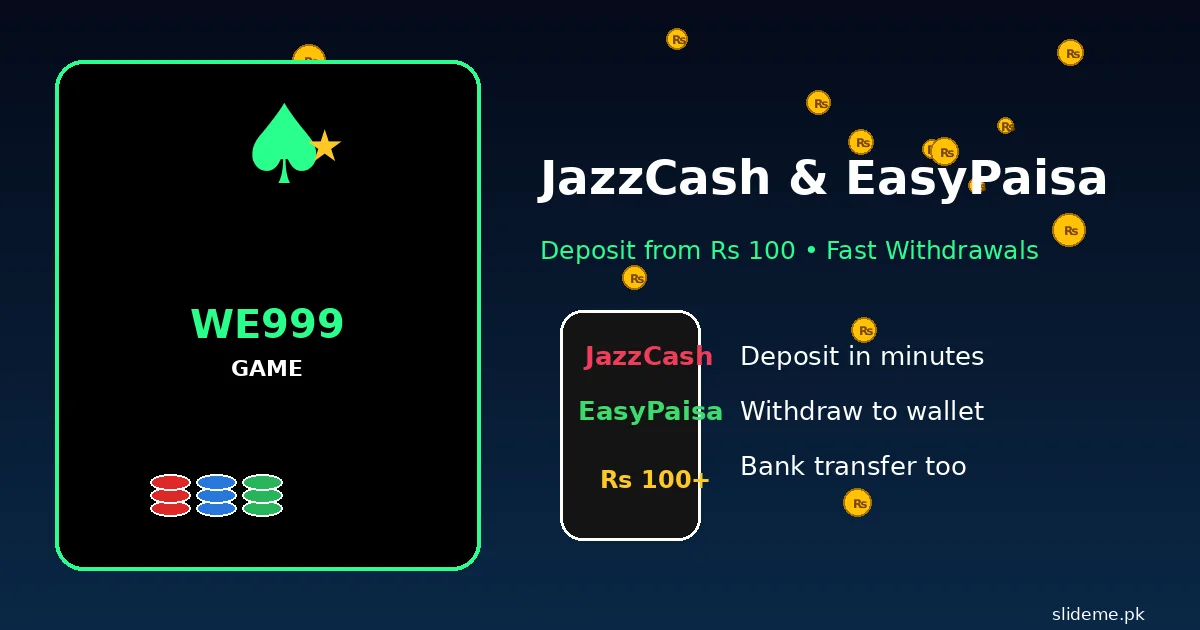
What is the minimum deposit and withdrawal on We999? Rs 100 for both, on all methods.
Does We999 give a daily login bonus? Yes. The daily bonus grows with consecutive days, and seven days in a row unlocks a weekly bonus. The daily spin wheel pays prizes up to Rs 999.
Signed In, Spinning, Ready to Play
The we999 login is a two-minute job the first time and a ten-second job after that. Register with your real number, keep the password safe, wait out the OTP timer, and log out on shared phones. Then the daily routine runs itself: sign in, spin the wheel, claim the day’s bonus, and play. The rewards only stack if you show up every day, so make the login a habit and let the week add up. If you play other 999-style apps, the 999AP login guide and the 999YO login guide cover their sign-in flows, and 999AP is another option worth a look.