
The w9 bet login gives you three doors into one account: your mobile number with a password, a Google login, or a quick OTP login. That choice is handy, but it also confuses new players. Many tap the wrong option, type an old number, or mix up the two passwords the app asks for. This guide walks you through every path. You will learn how to register, how to sign in with each method, and how to fix the problems that lock players out most often. Every step below was checked against the live sign-in flow and the game’s own help pages.
Three Ways Into Your W9 Bet Account
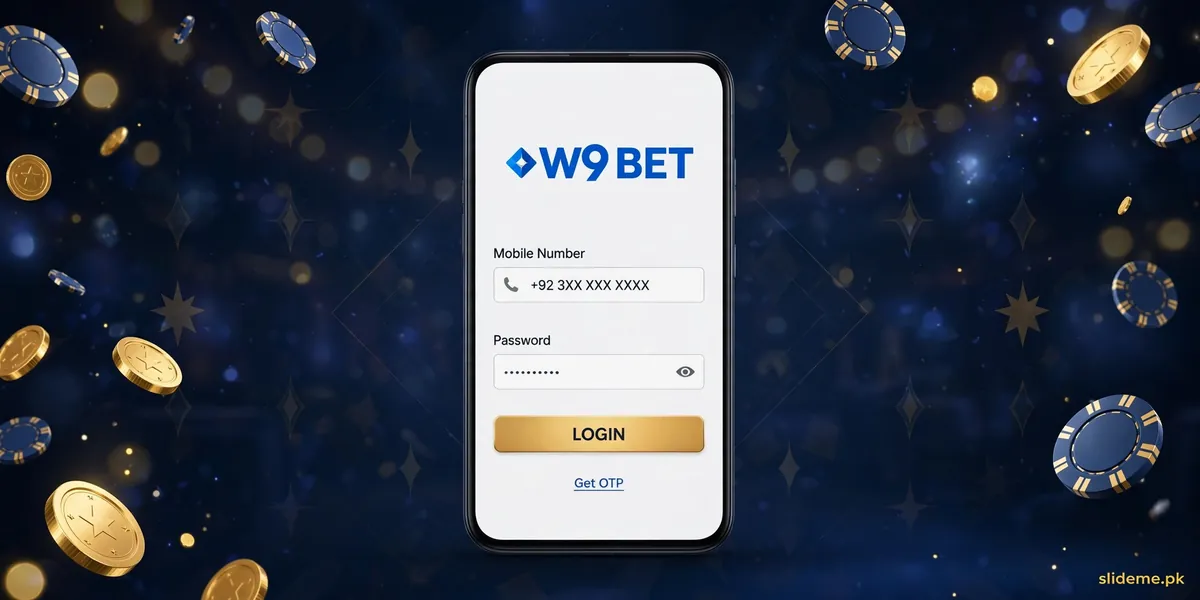
W9 Bet does not force you into one sign-in style. The login screen offers three options:
- Mobile number + password: the standard path. This is what most players use.
- Google login: for players who registered with their Google account.
- OTP login: instead of a password, the app texts a one-time code to your registered number.
All three lead to the same account and the same balance. Pick the one you registered with. Mixing them up is the most common reason players think their account “disappeared” — it didn’t; they just entered through a different door. Our W9 Bet page carries the full game review if you want to know what waits inside the lobby.
How to Register on W9 Bet
Registration is free and takes about a minute. Follow these steps:
- Open the W9 Bet app on your Android phone.
- Tap Register on the welcome screen.
- Enter your Pakistani mobile number. Use the SIM that stays in your phone.
- Create a strong password with letters and numbers.
- Enter a referral code if you have one. This step is optional.
- Type the OTP sent to your mobile number and tap Submit.
Your welcome bonus credits only after the OTP is verified. The game’s help page warns the bonus can take 15 to 30 minutes to appear, so don’t panic if it isn’t instant. If it still hasn’t landed after half an hour, contact the 24/7 live chat and quote your Game ID — the support team asks for it on every ticket.
Sign In, Step by Step
Once registered, signing in is simple:
- Open the app and tap Login.
- Pick your method: mobile number, Google, or OTP.
- For mobile login, enter your registered number and password.
- Tap Login and wait for the lobby to load.
On your own phone, the app usually remembers your session, so you won’t sign in every day. If you log in from a new device, expect an extra verification. And one more thing: the app ships with an Urdu + English interface toggle — rare among these apps, and worth switching on if you prefer Urdu menus.
The Two-Password Trap
This is the most W9 Bet-specific problem of all. The app uses two passwords: your login password and a separate transaction password. The login password opens your account. The transaction password approves withdrawals. Many players try to cash out with their login password and get rejected — then assume the app is broken. It isn’t. Go to account settings, set your transaction password once, and withdrawals will process. Keep the two different, and store both somewhere safe.
OTP and Bonus Delays, Explained
W9 Bet sends an OTP during registration. At normal sign-in it does not — unless you deliberately pick the OTP login option. If your OTP never arrives during registration, check your signal first, confirm the number you typed, and request one resend. The game’s own help pages also note that the welcome bonus can lag 15 to 30 minutes behind OTP verification. Waiting beats hammering the resend button, which can trigger a cooldown.
Other W9 Bet Login Problems, Solved
- Account temporarily locked: Too many failed attempts can lock the account for a few hours. Wait it out; past 24 hours, contact live chat.
- Wallet name mismatch: Your W9 Bet account name must match the wallet holder’s registered name, or withdrawals get blocked. This one has no self-fix — support has to resolve it.
- Install friction: First-time sideloaders get stuck on “Unknown Sources” or Play Protect warnings. Enable install-from-unknown-apps in settings, then the first login works.
- iPhone user: There is no iOS app build for W9 Bet. The game points iPhone users to Safari with Add to Home Screen.
W9 Bet Login FAQ
Is W9 Bet on the Play Store?
No. W9 Bet is APK only — you download it from the official website or a trusted source like our W9 Bet page, then install it manually.
Can I sign in with Google?
Yes, but only if you registered with Google. If you signed up with a mobile number, the Google button won’t open your account — use the number login instead.
Which payment methods work with W9 Bet?
Easypaisa, JazzCash, Sadapay, bank transfer, and even crypto withdrawals. The game also lists Raast and USDT options on its official pages.
Why can’t I withdraw my winnings?
Check two things: the remaining playthrough on any bonus, and whether your wallet details (and the account-name match) are correct. If both look fine, quote your Game ID to live chat.
Does W9 Bet support Urdu?
Yes. The app has an Urdu + English toggle in settings, which is uncommon in this niche and a genuine plus for Pakistani players.
Back to Playing
The w9 bet login is flexible once you know which door is yours: number + password for most players, Google if you registered that way, OTP when you don’t want to type a password. Register with your real SIM, set the transaction password early, and give the welcome bonus its 15 minutes. Do that, and sign-in takes seconds — every time. Players coming from other blue-and-gold casino lobbies like FD777 will find the flow familiar; our FD777 login guide covers the same two-password pattern in detail.