
I downloaded 3 Patti Pak from its live site, created an account, and tested the whole teen patti pak login flow myself. Here is everything I learned: the exact registration steps, the sign-in quirk that confuses new players, and the wrong-app trap that can waste your time before you even start.
One thing to know first: the game post on this site calls it Teen Patti Pak, but the app itself brands as “3 Patti Pak” — red and gold styling, three fanned aces on the icon, and an unusually complete Urdu interface. Do not confuse it with “Teen Patti PK,” which is a different brand entirely. This guide covers the 3 Patti Pak app from the publisher “Teen Patti PAK.”
Watch Out: The Wrong-App Trap
Before the login steps, a warning that saves real frustration. The old domain 3pattipak.com now redirects to a different product called “3Patti Super” — an H5 web funnel with no mention of 3 Patti Pak anywhere on the page. If you follow an old .com link, you will install the wrong app and wonder why nothing matches this guide.
The live, current download site is 3pattipak.pk, still fully branded as 3 Patti Pak. Check the icon before you install: a red rounded square with a gold border, three fanned aces (spades, clubs, hearts), gold “3pattiPak.pk” text, and a giant glossy red “PAK” with a gold outline. If the icon looks different, stop — that is not this game.
My Sign-In Test, Start to Finish
The first launch gives you two options: Play as Guest or Login/Register. I tapped Play as Guest first to look around, and it drops you straight into the lobby. Guest mode is fine for browsing, but here is the catch I confirmed: guest accounts lose their balance if you reinstall the app, unless you link a mobile number later. Register properly if you plan to stay.
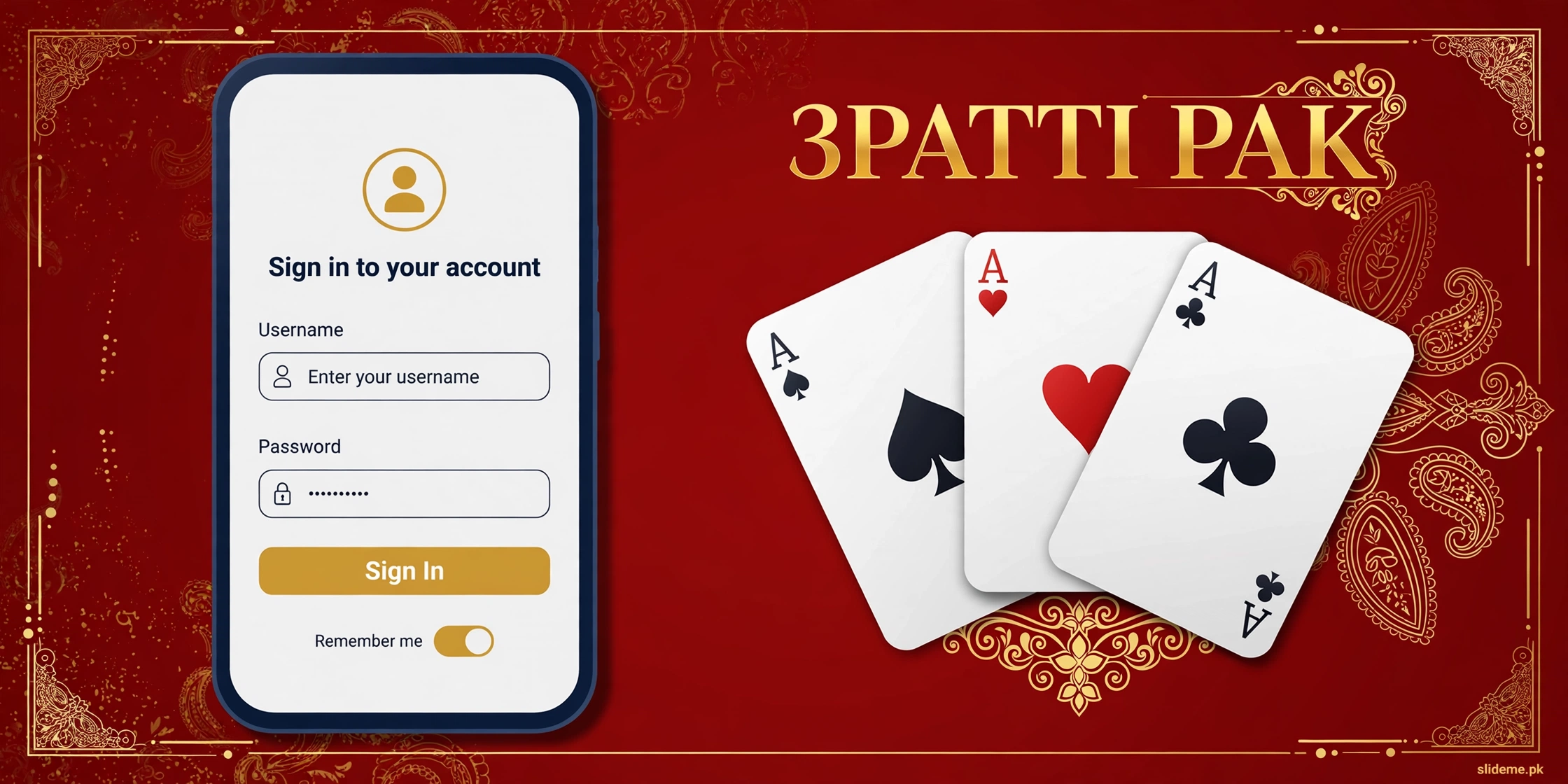
Registration took me about a minute. Tap Login/Register, enter a valid phone number or email address, and verify it with the OTP code. Then create a unique username and choose a strong password, and tap Register. The login credential from that point on is your username plus password — not the phone number. That trips up new players who keep trying their number at the sign-in screen.
One more detail: no referral code is asked at registration. The refer-and-earn program works the other way — you share your own link after signup, and you earn a bonus when someone completes signup through it. More referrals mean higher commission, and active inviters can build an affiliate team.
The Daily Login Loop
Signing in every day pays. The app runs daily bonuses and special weekly rewards based on your activity and performance, credited straight to the in-app wallet. Log in daily and the free chips keep coming — streaks make the rewards grow. There is also one free daily spin: a single spin per day with the reward credited instantly. I spun mine on day one and the chips landed immediately.
Bonus money comes with playthrough conditions, so read the terms in the promotions section before you plan a withdrawal around bonus chips. The welcome bonus is automatic — free chips appear in your wallet on signup with no code and no deposit needed. No amount is published for it, so take the chips as they come.
When Login Goes Wrong
Here are the issues I ran into or verified, with the fixes:
- OTP arrives late or never: This is the most common hiccup, and it is usually the network, not the app. On congested networks the code can take around two minutes. Wait, tap Resend, and make sure your SIM is active and has signal. Do not hammer the Resend button — flooding requests can delay things further.
- Login rejected with the right details: Remember the credential is your username, not your phone number. Retype it carefully — usernames are case-sensitive.
- Lost access after reinstall: Guest accounts do not survive a reinstall. If you linked a mobile number or email in your profile before reinstalling, log back in with your username and password and your chips return.
- Forgot your password: Two paths exist depending on your setup. If your number is the registered one, the login screen’s reset option sends a fresh OTP to it. If you linked an email in your profile, use the forgot-password link there. Link both email and phone in your profile settings now, while you have access — future you will be grateful.
The app also offers 24/7 in-app support, and you can attach screenshots to your issue reports — genuinely useful for login problems, since a screenshot of the exact error gets you a faster answer than describing it.
Cashier Notes for New Accounts
Deposits run through the Buy button at the bottom of the home screen. Pick a coin package from PKR 100 to PKR 50,000, pay with JazzCash or EasyPaisa, confirm, and the coins credit instantly. The math is simple: 1 coin equals Rs 1, so PKR 1,000 buys 1,000 coins. The minimum deposit is PKR 100.
Withdrawals use the Withdraw button: choose EasyPaisa or JazzCash, enter your account number and name, set the amount, and tap Withdraw. The money usually arrives within a few minutes. One honest gap: the official site does not publish a minimum withdrawal figure, and secondary sources disagree — so check the cashier inside the app before you deposit. Link both your email and phone number to avoid withdrawal snags.
Frequently Asked Questions
How do I log in to 3 Patti Pak?
Open the app, tap Login/Register, and sign in with the username and password you created during OTP registration. Your phone number alone is not the login credential.
Is 3pattipak.com the official site?
No — not anymore. It redirects to a different product (“3Patti Super”). Use 3pattipak.pk for the real 3 Patti Pak APK and check the red-and-gold aces icon before installing.
Can I play as a guest?
Yes, guest mode works for trying the app. But link a mobile number or register fully if you want your chips and bonuses to survive a reinstall.
What is the minimum deposit?
PKR 100 through JazzCash or EasyPaisa, via the Buy button. Coins credit instantly at 1 coin per rupee.
Is 3 Patti Pak on the Play Store?
No. It is APK-only for Android. Download it from 3pattipak.pk or a trusted source and install it manually. This is the single availability note for this guide.
Does the app have an Urdu interface?
Yes, and it is one of the more complete Urdu interfaces in this niche — a genuine differentiator against rival Teen Patti apps.
Logged In and Playing
The 3 Patti Pak login is straightforward once you know its two quirks: sign in with your username (not your number), and download from 3pattipak.pk (not the redirected .com). Register with OTP, link your email and phone in the profile, and claim the daily spin every day — it costs ten seconds and the chips stack up. For the full app breakdown, read our Teen Patti Pak flagship guide. Compare the flow with the Teen Patti login guide and the Teen Patti Game login guide, and browse the classic Teen Patti and Teen Patti Game pages.