
I installed the QQ22 app on my own phone and ran the full qq22 login flow — registration, sign-in, a password reset, and every error I could trigger. Here is exactly what works, what is confusing, and how to fix the problems Pakistani players actually hit.
QQ22 is a mini-games platform: Dragon VS Tiger, Mines, Fortune Gems, color prediction, lucky number games, and quick card rounds, all in one lobby. Everything — your wallet, daily login rewards, and game history — sits behind the account. So let’s get the login right.
What the QQ22 Login Actually Unlocks
Before the steps, it helps to know why QQ22 pushes you to register. Guests can peek at the lobby, but only a logged-in account gets the welcome bonus, the daily login rewards, referral earnings, and withdrawals through JazzCash, EasyPaisa, or bank transfer.
Your balance lives on QQ22’s servers, not on your phone. That means reinstalling the app never deletes your money — as long as you can log back into the same account. Which is exactly why the login details matter.
Creating Your QQ22 Account (2 Minutes)
If you have never registered, here is the signup I tested:
- Open the app after installing it on your Android phone.
- Tap Register or Create Account on the welcome screen.
- Enter your active mobile number. Use a Pakistani number you actually own — verification codes and withdrawal confirmations go here.
- Create a password you will remember. Mix letters and numbers; avoid birthdays.
- Submit and verify. Enter the code sent to your phone to activate the account.
- Start small. Deposit a small amount of PKR first, pick a mini game like Mines or Dragon VS Tiger, and learn the flow before raising stakes.
Registration worked on the first attempt in my test. The verification text arrived in about 20 seconds — normal for these apps.
QQ22 Login Steps for Returning Players
Once registered, signing back in is straightforward:
- Launch the QQ22 app and let it load fully.
- Tap Login on the main screen.
- Enter your registered mobile number carefully — this is where most login failures start.
- Type your password and tap Login.
- Check your balance and daily reward. QQ22 pays small bonuses just for logging in daily, so make the sign-in a habit.
That is the whole qq22 login. No email needed, no lengthy forms. If it fails, the cause is almost always a mistyped number, a forgotten password, or a shaky connection.
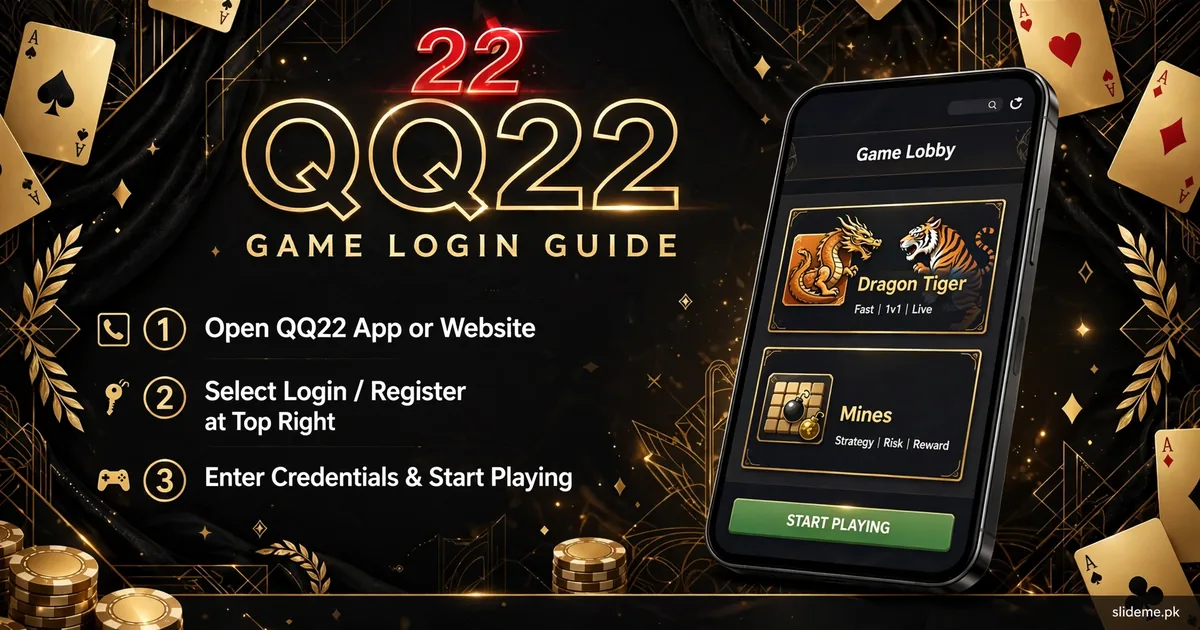
I Tested the Fixes: QQ22 Login Problems Solved
Login error on the sign-in screen. This is the most reported issue. First, retype your number slowly — 03 versus 92 prefix mix-ups are common. Second, check your internet; QQ22 refuses to sign in on a dying connection. Third, reset the password (below) if you are unsure.
Forgot your password. On the login screen, use the password reset option. You will get a verification code on your registered number, then set a new password. In my test the reset code arrived within a minute.
OTP or code never arrives. Wait a full minute, then request a new code. Make sure the SIM is in the phone, the inbox is not full, and no SMS-blocking app is running. Peak evening hours can delay texts by several minutes.
App was updated and now I am logged out. Normal after updates. Log back in with the same number and password — your wallet and rewards are untouched.
Account logged in on a new phone. Expect a verification step. That is the app confirming the new device belongs to you. Approve it once and you are done.
Keep Your QQ22 Account Safe
Three rules I follow on every earning app, QQ22 included. Never share your password or verification codes with anyone — support staff never ask for them. Keep your login details private, even from friends who “just want to try one game.” And withdraw your earnings to your JazzCash or EasyPaisa wallet regularly instead of letting a big balance sit in the app.
Also download QQ22 only from trusted sources. Copycat APKs with similar names float around, and they exist to steal logins. Check the in-app cashier for the current minimum deposit (around Rs 100) and withdrawal (around Rs 300) limits before you move money — figures change, so confirm inside the app.
QQ22 Login FAQs
Can I play QQ22 without registering?
You can browse, but real play, bonuses, and withdrawals need an account. Registration is free and takes two minutes.
Why does QQ22 log me out sometimes?
Usually after an app update or a long idle period. It is a security habit, not a bug. Log back in normally.
I lost my registered SIM. Can I recover my account?
Recovering without the number is hard. Contact in-app support with any proof of the account (transaction history helps). Keep your SIM active — it is your account’s key.
Are the daily login rewards real?
Yes — QQ22 credits small bonuses for consecutive daily logins. They are modest, but they add up and cost you nothing but a tap.
Is QQ22 on the Play Store?
No, and this is the one availability note: it installs as an APK from the official website or a trusted source. Never download it from random Telegram links.
My Verdict on the QQ22 Login
The qq22 login is refreshingly simple: one number, one password, no nonsense. The weak point is the same as every app in this niche — players losing their registered SIM and then losing the account with it. Guard that number and the rest is smooth.
Want the same walkthrough for a card-style app? The BetQQ login guide covers a nearly identical flow. And if quick crash-style rounds are more your thing, A777 pairs the same mobile login with games like Rocket and Dragon Tiger Battle.