
Fantasy Gems Login Not Working? Every Fix That Works (2026)
The fantasy gems login looks simple — your number and your password. But real players hit real problems. Logins fail after switching phones. OTPs never land. Passwords nobody wrote down vanish from memory.
This is the fix-it guide. Every solution below is matched to how the Fantasy Gems app actually behaves in Pakistan, including the one-account rule that trips up the most players.
How the Fantasy Gems Login Actually Works
One account works everywhere. The same login opens the browser version and the Android app. One PKR wallet follows you across both, and the balance stays in sync no matter where you sign in.
One clarification first: this is the real-money lobby app. It is not the Play Store quiz app of the same name, and it is not a fantasy cricket app. Players who install the wrong app land in the wrong login system entirely.
Want the full game breakdown first? The Fantasy Gems post covers all 500+ games, bonuses, and payments.
Sign In in 4 Steps
- Open the app or the website and tap Login.
- Enter your registered mobile number and password. Do not reuse a banking password here.
- Tap Login. You land in the lobby with your wallet intact.
- Signed in for the day? Claim the daily login rewards and check for gift codes. Missing a day is leaving money on the table.
The session stays alive on your own device. You only repeat the full sign-in after a logout, an app update, or a phone change.
“Login Fails After Switching Phones” — the Fix
This is the number-one fantasy gems login complaint. A session left open on the old phone blocks the new login. Here is the fix order that works:
- Sign out of the old device first, if you still have it.
- Log in on the new phone with your number and password.
- Expect an OTP check. It ties to your registered number, so keep that number current and active.
- Still blocked? Clear the app data once and sign in fresh.
If the old phone is gone, go straight to step two and complete the OTP check. The system treats the new device as a security event, not a ban.
OTP or Forgot-Password Not Working
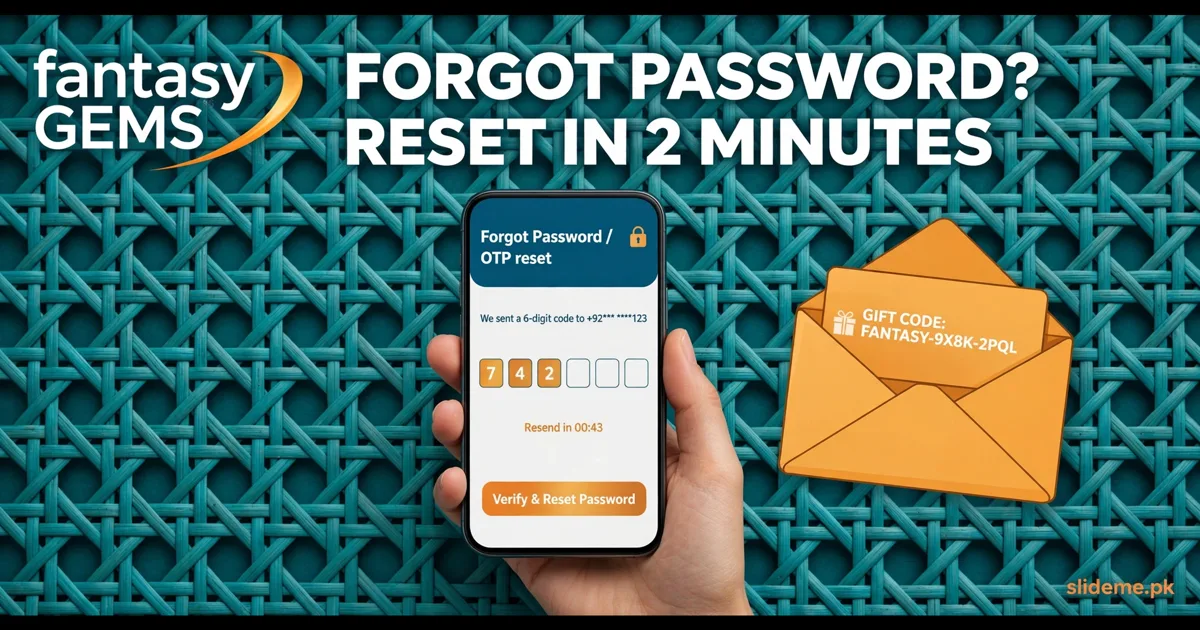
Tap the Forgot Password option on the login screen. Verify with the registered phone number, then set a new password. The reset only works if the number is still active — a dead SIM is the most common reason resets “fail”.
If the OTP is late, wait a full minute, then tap resend. Do not request ten codes in a row; flooding the system freezes delivery for a while. If the login feels slow in general, clear the app cache. That simple step resolves most “the app just hangs” reports.
OTP trouble is a pattern across these apps. The 99AB login guide covers the same resend-and-wait flow in detail.
The One-Account Rule (Read This)
Fantasy Gems allows one account per person. Multiple accounts trigger verification holds. This is where many players break their own login:
- Do not create a second account because you lost access to the first. Recover the first one instead.
- Add your wallet method before you request a payout. Withdrawals need JazzCash, EasyPaisa, bank, or USDT details on file first.
- Redeem gift codes the day you get them. They expire fast.
Players of 92Fun Game and Done 55 face the same one-account enforcement, so treat it as an industry rule, not a Fantasy Gems quirk.
Quick Registration Recap
Tap Sign Up, enter your mobile number, verify the OTP, and set a password. New accounts earn a Rs 500 signup bonus after the first deposit. The minimum deposit is PKR 100, and the minimum withdrawal is PKR 500. Payments run through JazzCash, EasyPaisa, bank transfer, and USDT.
FAQs About the Fantasy Gems Login
Can I play on my laptop and phone with one account?
Yes. One account and one wallet work on the browser and the Android app. The balance syncs between them.
I lost my registered SIM. What now?
Contact support from inside the app or the official site. Only they can move your account to a new number, and it takes time. Keep your registered number active.
Why was my withdrawal held?
Usually a missing wallet method or a verification hold from multiple accounts. Add your wallet details, keep one account, and the hold clears.
Do gift codes really expire?
Yes, fast. Redeem them immediately. An expired code cannot be reactivated.
Is Fantasy Gems on the Play Store?
No. It is distributed outside the Play Store as an APK and a web app. The Alano Fishing login guide covers the same one-time install step.
One Last Tip
The fantasy gems login rewards players who show up daily. Sign in, claim the reward, redeem any gift code, then play. Most “login broken” reports are really a stale session or an old SIM. Fix those two, and the login just works.