
Getting locked out of your gaming account is frustrating. Your wallet, bonuses, and daily rewards all sit behind the sign-in screen, so a smooth ep567 login matters more than most players think.
This guide walks you through the exact EP567 login process used by Pakistani players: mobile number plus password, the OTP check on new devices, and the app’s biometric shortcut. I also cover every common login failure and the fix that actually works for it. Follow along and you will be back inside in a few minutes.
Why the EP567 Login Deserves Your Attention
Your EP567 account is more than a username. It holds your real-cash wallet, your referral earnings, your daily login streak, and your progress across every game — from Teen Patti and Rummy to Color Prediction and Lucky Spin.
A weak or sloppy login setup is how most players lose access. Someone reinstalls the app, forgets which number they registered with, and the balance is suddenly unreachable. Spend five minutes getting the login right once, and you will never face that panic.
One more thing worth knowing: EP567 protects logins from new devices with an extra OTP check. That single feature stops most account theft cold.
EP567 Login Steps: The Exact Process
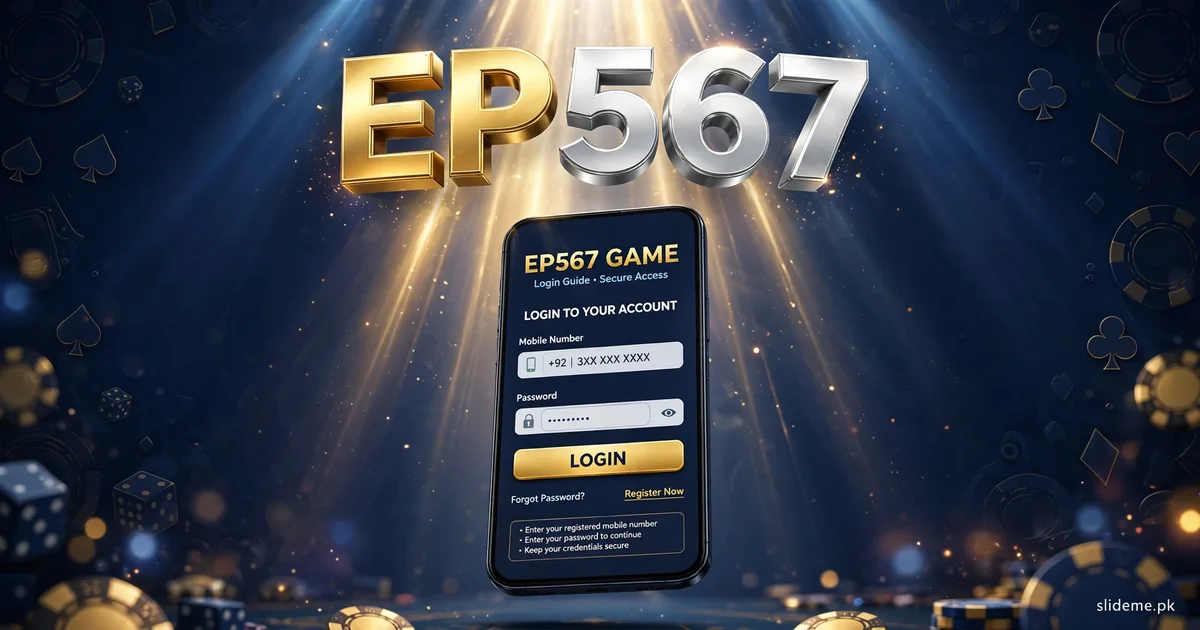
Here is the sign-in flow, exactly as it runs in the current app:
- Open the app. Tap the EP567 icon on your home screen and wait for the splash screen to finish.
- Tap Login. On the welcome screen you will see two tabs — Register and Login. Choose Login.
- Enter your registered mobile number. Type the exact Pakistani number you signed up with, starting with 03. A single wrong digit means the login will fail.
- Enter your password. This is the password you created during registration. Passwords are case-sensitive, so check caps lock on your keyboard.
- Complete the OTP check if asked. If you are logging in from a new phone, EP567 sends a one-time code to your number. Enter it to confirm it is really you.
- Tap Login and open your dashboard. You land on your account screen with your wallet, games, and promotions ready.
The whole ep567 login takes under a minute when your details are correct. If it takes longer, the problem is almost always one of the fixes in the next sections.
Quick Registration Recap: No Account Yet?
New here? Registration takes under two minutes. Open the app, tap Register, and enter your active Pakistani mobile number. Create a strong password using letters and numbers.
If a friend invited you, paste their referral code into the optional field now. This is important: the code cannot be added later, and it unlocks your first welcome bonuses. Tap Submit, then enter the 4 or 6-digit OTP sent to your phone. Your account is confirmed instantly, and your welcome bonus is ready to claim.
Biometric Login: Skip Typing Your Password
The EP567 app supports biometric login — fingerprint or face unlock, depending on your phone. After your first successful password login, look for the biometric option in the app’s settings and switch it on.
From then on, one tap on the fingerprint sensor signs you in. It is faster and safer than typing, especially if you play on the go. Just remember your password anyway: you will need it if you ever change phones or reinstall the app.
Forgot Your EP567 Password? Reset It in 2 Minutes
Forgotten passwords are the number one login problem, and the fix is simple:
- On the login screen, tap Forgot Password.
- Enter the mobile number linked to your account.
- Wait for the OTP text message and enter the code.
- Create a new password and confirm it.
- Log in with your number and the new password.
The reset works only if you still have access to the registered SIM. If you lost that number, you will need to contact EP567 support through the app’s help section instead.
EP567 OTP Not Received? Try These Fixes
The OTP text sometimes arrives late or not at all. Work through this list in order:
- Wait 60 to 90 seconds, then tap Resend. Network delays are common at peak evening hours.
- Check your signal. Move somewhere with full mobile signal. A weak connection delays SMS badly.
- Confirm the SIM is active. The OTP goes to the registered number only. If the SIM sits in a drawer, no code is coming.
- Clear your SMS inbox and spam filters. A full inbox or an aggressive SMS blocker can swallow the code silently.
- Double-check the number. One wrong digit at registration means the OTP went to a stranger. Verify the number shown on screen.
- Restart the app. A stuck session sometimes blocks the resend button. Close EP567 fully and open it again.
Other EP567 Login Errors and Their Fixes
“Incorrect password” every time: You are likely misremembering it or tripping on caps lock. Use Forgot Password rather than guessing ten times — repeated failures can temporarily lock the account.
Login works on one phone but not another: That is the new-device OTP check doing its job. Enter the code sent to your number and the new phone is trusted.
App crashes on the login screen: Your APK is probably outdated. EP567 updates often; grab the latest version and reinstall.
Stuck on “verifying” during busy hours: Tournament evenings and bonus events flood the servers. Wait ten minutes and try again instead of hammering the button.
Logged out after clearing app data: Normal. Clearing data wipes your session. Just log back in with your number and password — your balance is safe on the server.
EP567 Login FAQs
Is the EP567 login free?
Yes. Creating an account and signing in costs nothing. You only add money when you choose to deposit for gameplay.
Can I stay logged in on two phones?
EP567 treats a new device as untrusted and asks for an OTP. Keep one phone as your main device to avoid constant verification codes.
I changed my mobile number. What now?
Your account is tied to the old number. Update it through the app’s profile settings while you still have the old SIM, or reach support for help.
Does EP567 work on iPhone?
There is no App Store version — EP567 installs as an APK on Android only, which is the one availability note worth making. iPhone and desktop players use the full web version through the browser instead.
Someone is asking for my OTP. Is that normal?
Never share it. EP567 staff will never ask for your OTP or password. Anyone who does is trying to take your account.
Signed In? Keep It That Way
A clean ep567 login routine is simple: one registered number, one strong password, biometric switched on, and your SIM kept active. Do that and the sign-in screen becomes a two-second formality instead of a headache.
If this guide got you back into your account, the C7777 login guide uses the same troubleshooting logic for another popular app. And if you want a second earning app to compare, QQ22 runs a similar mobile-number login with its own daily rewards.