
Before you type your mobile number into any login screen, read this. The 999xa login is straightforward — but this corner of the internet is full of fake login links and copycat apps wearing the 999XA name. This guide shows you the real sign-in flow, how to spot the fakes, and how to fix the two errors players report most: codes that never arrive and logins that fail. Five minutes here saves you a stolen account later.
For the complete overview — games, bonuses, and wallet setup — see our full 999XA Game guide. This page covers login and account safety only.
Is the 999XA Login Safe? What I Found
The genuine 999XA Game runs its login on 999xa.com, which presents itself as the official platform. The real app asks for your number, a password or SMS code, and an 18+ confirmation — nothing more. One caution from my research: the site’s hero image loads from a different domain, so always double-check the file you download and the URL in your browser before installing. If a “999XA login” page asks for your JazzCash PIN, your CNIC photo, or payment before signup, close it. That is not the real app.
How the 999XA Game Login Works
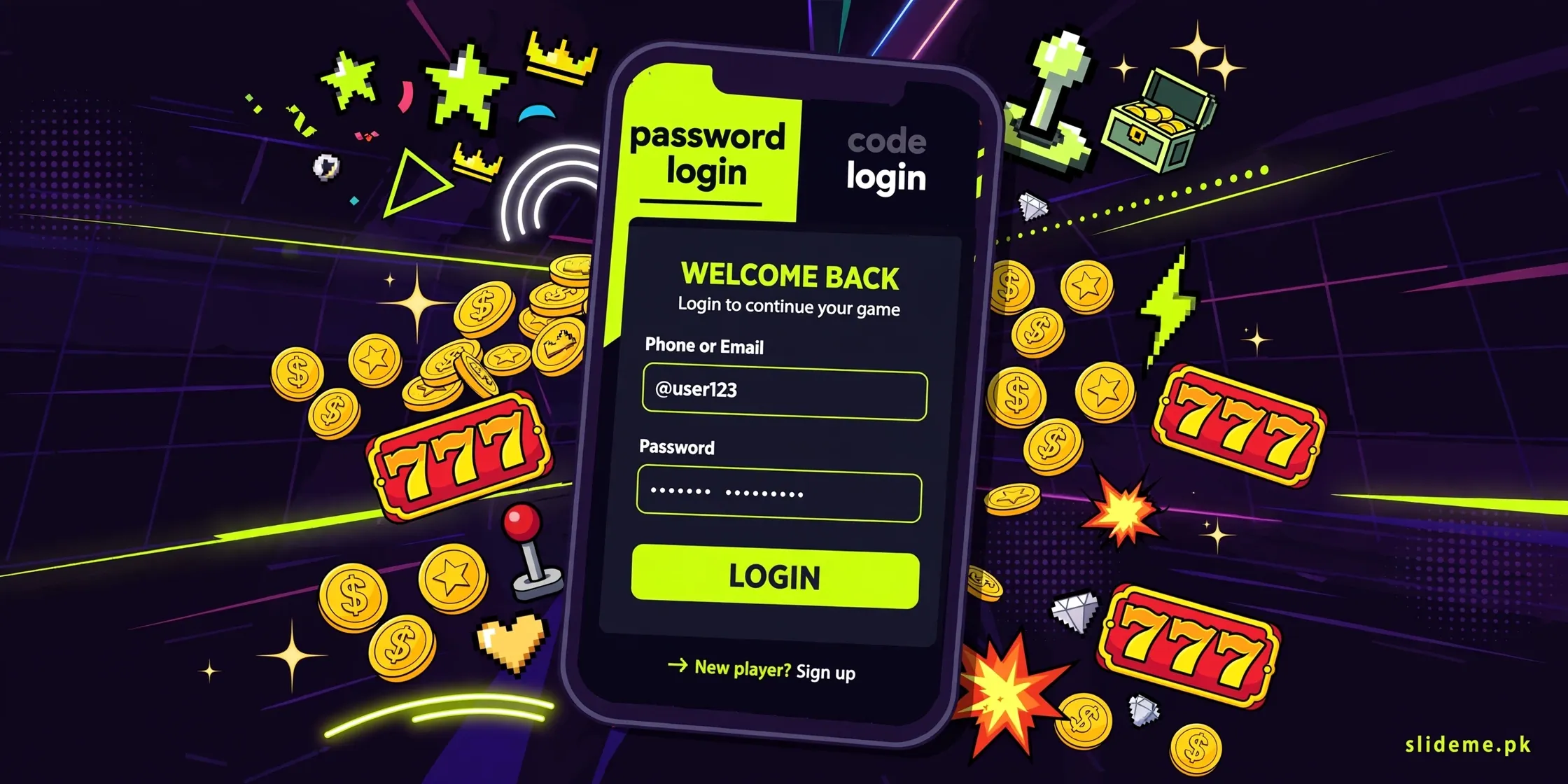
999XA Game gives you two sign-in modes, and you can use either one every time.
- Open the 999XA Game app.
- Tap “Login”.
- Enter your registered phone number or profile name.
- Choose “Password Login” and type your password — or choose “Code Login” and enter the SMS code sent to your phone.
- Tap “Login” to enter your dashboard.
The login screen also carries a “Remember account password” toggle, a “Forgot Password” link, and a Customer Service link. Handy extras, and the recovery link is the one you will want if anything goes wrong. The interface runs in English and Urdu, so switch to the language you read best before you start typing.
Registering on 999XA Game: The Exact Steps
No account yet? Registration mirrors the login — pick password mode or code mode.
- Open the app and tap “Register”.
- Enter your phone number (the form shows the Pakistan +92 code).
- Password mode: create a password and re-enter it to confirm. Code mode: wait for the SMS code and enter it.
- Confirm you are over 18 and accept the User Agreement.
- Review your details and tap “Register”.
Register with the same number you use for JazzCash or EasyPaisa. Your account identity ties to that number, and matching numbers make deposits and withdrawals far less painful. Note that withdrawals use a separate withdrawal password — set it in your profile before your first cashout.
Code Not Received? Fix It Like This
The SMS code is the heart of the code-login mode, and “code not received” is the top complaint across this whole app family. Work through these fixes.
Check the number first
One wrong digit and the code goes nowhere. Re-type your number slowly. On dual-SIM phones, make sure the registered SIM is active with good signal.
Look in the spam folder
Some phones filter OTP texts into spam or blocked folders. Check there before requesting again. Also turn off aggressive spam-blocker apps for a few minutes.
Wait, then retry once
Network delays are real. Wait two full minutes after one request. If nothing arrives, request once more — not five times. Rapid retries can get you throttled, which looks exactly like a broken system.
Still nothing? Use password mode
If you set a password at registration, switch to “Password Login” and skip the code entirely. Then contact Customer Service from the login screen about the SMS problem.
Login Failed or Password Lost
For a failed login, the causes are almost always boring: wrong password, mistyped number, or no internet. Use the on-screen “Forgot Password” recovery instead of guessing repeatedly — hammering random passwords is the fastest way to trigger a temporary lock. If the app itself misbehaves, clear its cache from your phone settings (Settings, Apps, 999XA Game, Storage, Clear Cache) and try again. Only reinstall as a last step.
The Scam Warning Every Player Must Read
- Fake login links: scammers share lookalike “999XA login” pages on WhatsApp and Telegram to harvest numbers and passwords. Type the address yourself — never log in through a forwarded link.
- Fake agents: anyone messaging you first as “999XA support” and asking for your password or OTP is a scammer. Real support never asks for these.
- Verify your download: get the APK from the official site or a trusted source, and check the file before installing.
- Players securing other accounts found our BetPkr login fix guide useful — the same safety rules apply everywhere.
Login Bonuses on the Table
Once you are safely inside, the login itself starts paying. The app advertises a Rs 777 download promotion in its top banner, a Rs 600 reward per eligible invite, a +20% first-deposit bonus, and daily check-in activities in the Promo area. Treat these as displayed promotions with conditions — login or verification steps, deposit requirements, and claim deadlines usually apply. VIP tiers add level-up rewards on top. Check the Promo tab after your first login so nothing expires unclaimed. Curious how a sister launch structures its rewards? Our 666PK Game guide breaks down its welcome bonus the same way.
999XA Login FAQs
How do I reset my 999XA Game password?
Tap “Forgot Password” on the login screen. Follow the recovery steps with your registered number. Then set a new password you have not used on other apps.
My code is not arriving on my Jazz number. What now?
Verify the digits, check your SMS spam folder, confirm full signal, wait two minutes, and request once more. If it still fails, log in with password mode and report the SMS issue to Customer Service.
Should I register with my JazzCash or EasyPaisa number?
Yes. Your account ties to your registered phone number, and matching it with your wallet number keeps deposits and withdrawals smooth. Remember that withdrawals need a separate withdrawal password.
Is 999XA Game real or fake?
The genuine app on its official site is a real, working platform. The danger is the crowd of fakes around it — copycat sites, forwarded login links, and Telegram “agents.” Verify the site, verify the file, and never share your OTP.
Where do I download the 999XA Game app?
The app is APK-only and is not on the Play Store. Download it from the official website or a trusted source, then register and log in with the steps above.