
1EE Game Login Guide (2026): I Tested the Sign-In, OTP, and Two Passwords
I installed the 1EE Game app, created an account, and logged in and out several times to test every screen. The 1ee game login is a little different from other Pakistani gaming apps. Registration uses a mobile OTP, like most apps. But 1EE also asks you to create two passwords — one for logging in, and a separate one for withdrawals. Miss that detail and you will get confused later. This guide gives you the exact flow I tested, plus the traps I found along the way.
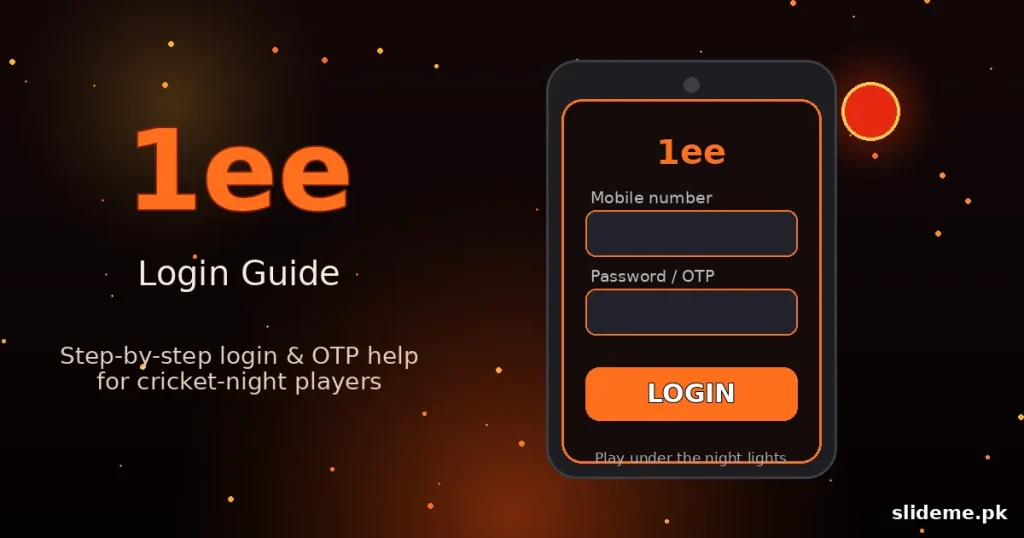
What Makes the 1EE Game Login Different
Most gaming apps use one password for everything. 1EE Game splits the job. Your login password opens the app. Your withdrawal password approves cash-outs. This is actually good security. Even if someone learns your login, they cannot touch your balance without the second password. Write both down somewhere safe the day you register. Players used to single-password apps like 92 Game should slow down at this screen and read it twice.
Watch the Spelling: 1EE Has Lookalikes
Before you type your number anywhere, check the name. The PK web is full of lookalike domains: 11ee.com.pk, one1ee.com.pk, 1eee.pk, 1eegame.win, and more. The real platform lives at 1ee.com and 1ee.bet, and the verified app download is download.1ee.bet. The safest path is the download button on our 1EE Game page. One wrong letter in the name can land you on a copycat site asking for your number. I checked the spelling twice before installing, and you should too.
How to Register on 1EE Game
Here is the exact registration flow I tested:
- Open the app and tap Register.
- Enter your Pakistani mobile number with an active SIM in the phone.
- Tap Send OTP and enter the code when it arrives by SMS.
- Create your login password. Make it strong and unique.
- Create your withdrawal password. Use something different from the login password.
- Confirm both and tap Submit. Your account is live.
The OTP arrived in under a minute in my tests. Keep the app in the foreground while you wait. Switching to your messages is fine, but do not leave the app closed for long or the session can time out. Note: there is no real-money guest mode. 1EE does offer a free demo corner to explore the lobby, but anything involving real cash needs a registered account.
1EE Game Login: The Steps I Tested
- Open the app and tap Login.
- Enter your registered mobile number.
- Enter your login password (not the withdrawal one).
- Tap Login. The lobby loads in a few seconds.
On your own phone the session usually sticks, so you will not sign in daily. If you log in from a new device, expect an extra OTP check. That is the app confirming the device is yours. It takes seconds.
Forgot Password? The Reset Takes Under a Minute
I tested this too, and it is fast. On the login screen, tap Forgot Password. Enter your registered mobile number, request an OTP, enter the code, and set a new password. The whole reset finished in under a minute in my test. One caution: the reset changes your login password. If you forget the withdrawal password instead, use the separate reset inside the wallet or cashier section — it also verifies by OTP. Keep the two passwords written down separately so you never mix them up.
Login Problems I Ran Into (and How I Fixed Them)
- OTP never arrived: I toggled airplane mode on and off, waited 60 seconds, and hit resend. The second code came through. Check spam folders in your SMS app too.
- “Account already registered”: This means the number was used before. Use the login screen instead of register, or reset the password by OTP.
- App stuck on the loading screen: I cleared the app cache (not data) and reopened it. The lobby loaded normally.
- Wrong password error on a password I knew: I was typing the withdrawal password at login. The login screen wants the login password only. Easy mistake — the two-password system causes it.
- iPhone: There is no iOS app. iPhone users can open the web lobby in Safari and use Add to Home Screen for an app-like shortcut.
- VPN on: Turn it off. VPNs interfere with the OTP and login servers.
1EE Game Login FAQ
Is 1EE Game on the Play Store?
No. It is APK only for Android. Download it from the official website or a trusted source.
Why two passwords?
Security. The login password opens the app. The withdrawal password protects your balance. Even a stolen login cannot cash out without it.
Can I change my registered mobile number?
Not from inside the app in most cases. Your number is your account identity. Keep the SIM active.
Does the demo corner need a login?
No. The free demo corner lets you explore without an account. Real-money play needs registration and the 1ee game login.
How is this different from other login guides?
The two-password system is the big one. Most apps, including the ones in our 92 Game login guide and the arcade-style 92R flow, use a single password plus OTP. 1EE asks for more, and that is worth knowing before you start.
My Verdict on the 1EE Game Login
After testing it myself, the 1ee game login is solid. The OTP is quick, the reset works in under a minute, and the two-password system is genuinely safer than the one-password norm. The only real danger is off-app: the lookalike domains. Install from the verified button, spell the name right, save both passwords, and you will never fight this login screen.