
The 02 Game login is a one-minute job: mobile number, password, one tap, and the lobby opens. Registration takes the same minute, and it pays a small Rs 15 welcome credit. This guide covers both, plus the OTP fixes, the password reset, and the iPhone route, so nothing about sign-in slows you down.
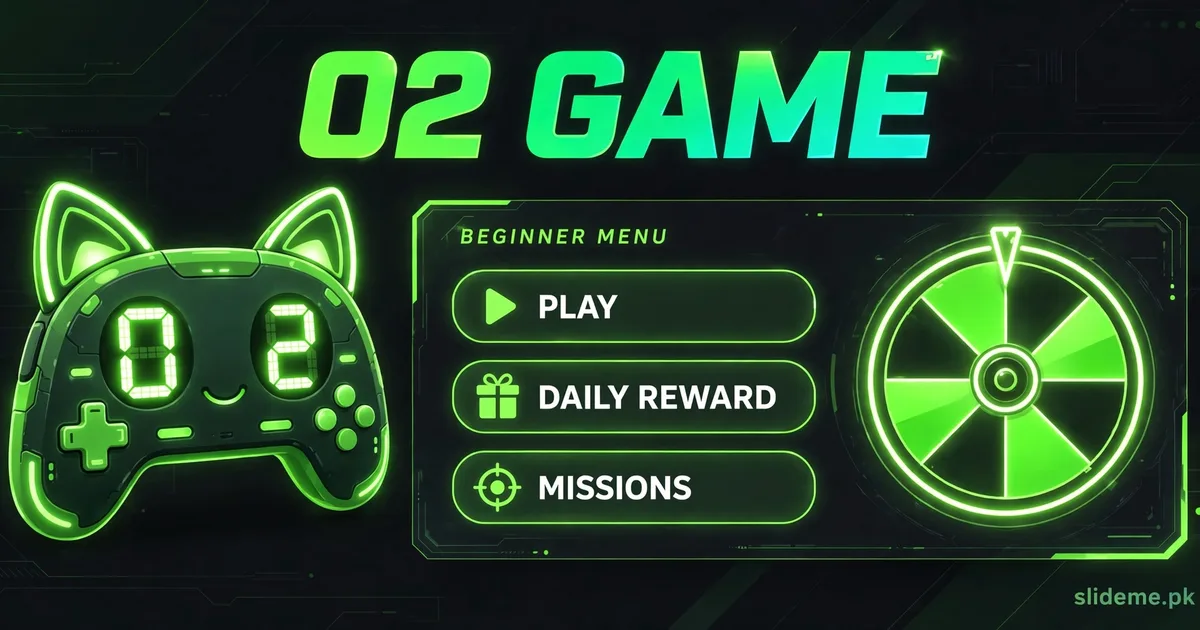
02 Game is a casino-style app with a neon-green controller mascot and a black theme. The lobby holds slots, Teen Patti, Rummy, Dragon vs Tiger, Aviator, live dealer tables, Ludo, and fishing games. The app is 120 MB, which is larger than rival apps, so free up space before you install. iPhone users skip the install and play in the browser instead. One account covers the games, the daily rewards, and the wallet.
What You Need Before You Log In to 02 Game
Keep three things ready. First, the mobile number you registered with, on an active SIM in the same phone. Second, your password, typed slowly. Third, a steady connection, because the OTP code and the live tables both need one. Use the number linked to your JazzCash or EasyPaisa wallet. Matching numbers make withdrawals smoother, and mismatched names are the most common reason a cash-out stalls.
Register on 02 Game in One Minute
First-time players register before they can log in. The steps are short and the Rs 15 credit lands right after.
- Open the app and tap Register.
- Enter your mobile number.
- Create a password you will remember.
- Type the OTP code sent to your phone.
- Tap Confirm and collect the Rs 15 welcome credit.
The referral program pays a commission on friend activity, but no fixed figure is published, so treat it as a bonus on top of play, not a promised amount. The daily login reward and the lucky spin wheel pay every day you open the app, and VIP tiers add more as you play.
02 Game Login Steps for Every Day
Daily sign-in is the same every morning. Open the app, tap Login, enter your mobile number and password, and tap the button. Then claim the daily login reward on the home screen, spin the lucky wheel, and pick a game. The session stays active on most phones, so some days you open straight into the lobby. A fresh OTP may arrive after a long gap away from the app. That is normal. Enter it and carry on.
OTP Code Did Not Arrive?
Check your signal first. A weak signal delays SMS codes more than any other cause. Wait one full minute, then request a new code from the register screen. Make sure the number you typed is the active SIM in the phone. Do not request code after code. Each new code kills the last one, so patience beats speed here. If the code still does not come, restart the phone and try once more on a stronger connection.
Forgot Your 02 Game Password?
Use the OTP reset option on the login screen. A code arrives on your registered number only. Enter the code, set a fresh password, and log in again. Pick a password with letters and numbers, and write it down somewhere safe. If you change your number later, update it in the app first, because the reset code can only reach the number on file.
iPhone Users: Use the Web Version
There is no 02 Game APK for iPhone. The web version runs in the browser and covers the same games, the same account, and the same wallet. Open the official site, sign in with your number and password, and play. The same route helps Android users with old phones or low storage. The app is 120 MB, so if space is tight, the browser version is the honest answer, not a second-best fix.
After Login: Daily Rewards and the Rs 200 Withdrawal
Sign-in pays from day one. The daily login reward, the spin wheel, and the Rs 15 welcome credit are all small, but they stack across a week. The minimum deposit is Rs 100 through JazzCash, EasyPaisa, or bank transfer. The minimum withdrawal is Rs 200, and some methods run Rs 200 to Rs 500. One independent test withdrew PKR 300 to EasyPaisa in 25 minutes. Use the same wallet for deposits and withdrawals. Name mismatches cause the most common delays, so check the wallet name before you request a cash-out.
02 Game Login FAQs
What is the minimum withdrawal in 02 Game? Rs 200. Some methods run Rs 200 to Rs 500.
My OTP code did not arrive. What do I do? Check your signal, wait one minute, request a new code, and confirm the number is your active SIM.
How do I reset my 02 Game password? Use the OTP option on the login screen. A code arrives on your registered number. Enter it and set a new password.
Can iPhone users play 02 Game? Yes, through the web version in the browser. Android gets the full APK.
How long does an EasyPaisa withdrawal take? About 15 to 30 minutes. One test withdrew PKR 300 in 25 minutes.
Is there a welcome bonus? Yes, a small Rs 15 credit after registration, plus daily login rewards.
Signed In, Spinning, Cashing Out
The 02 game login asks for very little: a number, a password, and a minute of your time. Keep the SIM active, keep the wallet name matched, and use the web version if the 120 MB install does not suit your phone. Register once, claim the Rs 15 credit, log in daily for the rewards, and withdraw from Rs 200 when you are ready. That is the whole routine, and it works. If you also play similar apps, the 92 Game login guide covers a near-identical sign-in flow, the M666 login guide walks through the same OTP fixes, and A777 is another casino-style app with a similar wallet.